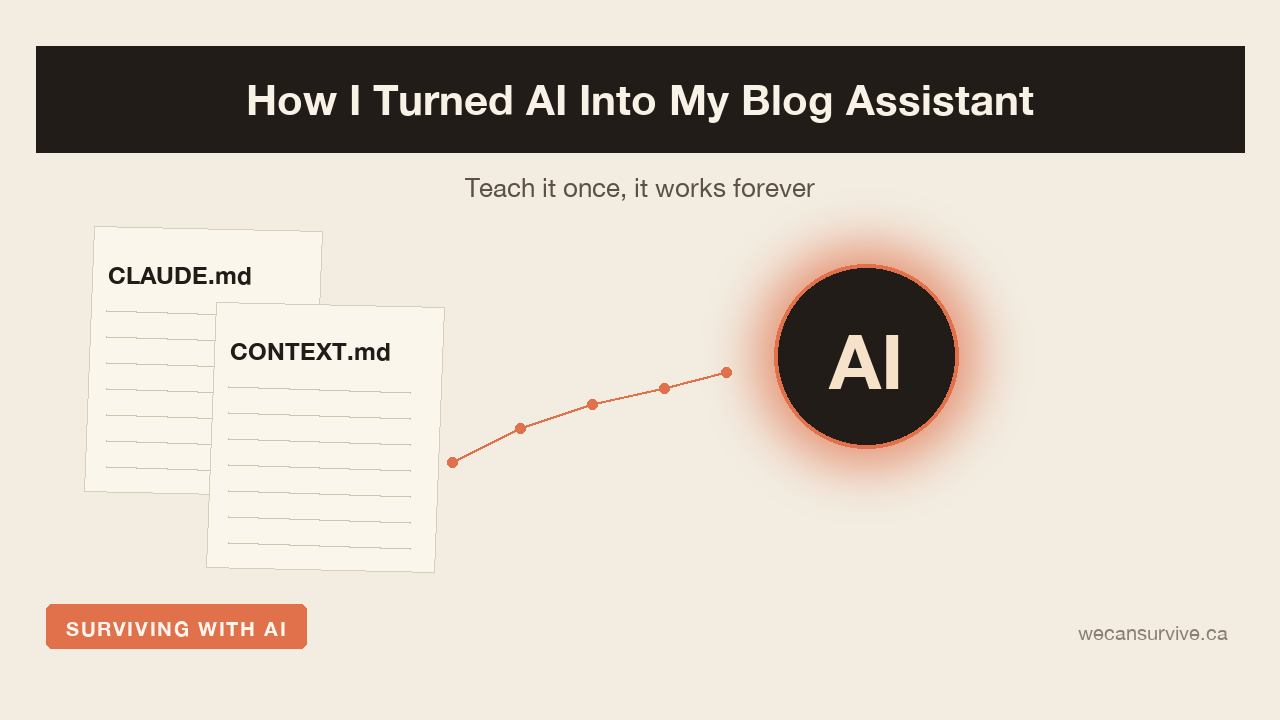
How I Turned AI Into My Blog Assistant: Teach It Once, It Works Forever
When you work alongside AI, the moment keeps coming: ah, I want to keep this on the blog. But then you open the editor, fight over a title, try to get the tone right, and thirty minutes are gone.
So I tried something. I taught the AI my blog’s rules — all of them, once. Now, in the middle of doing something else entirely, one line — “write this up for the blog” — produces a draft and a cover image.
This post is that process, written out as it happened. I kept it to the essentials so that someone who does not know a single line of code can follow it exactly.
Why I needed this
I run two blogs, and even asking the same AI for a post, the tone came out wrong every time. One of them has to stay light and candid; the other has to stay calm. Re-explaining “this blog sounds like this” on every request was its own job. There were stretches where using AI was more tiring than not using it.
The fix was simple. Stop explaining every time. Write it down once and let the AI read it itself.
Two files do the work
What I built is nothing fancy. Two files in the project folder.
CLAUDE.md — the rules that do not change. Tone, things never to do, filename format, cover image standard, signature. I touch this file maybe once or twice a month.
CONTEXT.md — the situation that does change. The series I am in the middle of, decisions made recently, what comes next. This gets updated every time I write a post.
There is a reason the two are separate. If you keep editing the rules that should not change, consistency breaks. If you do not update the situation that does change, the AI writes from stale information. They have different natures, so they get different files.
I made a shortcut — a “skill”
Even stopping here works: you just tell the AI “read this folder and write the post” every time. But that is annoying too. So I did one more thing — I made a shortcut. It is called a “skill,” which is really just a bundle you teach the AI: when this keyword shows up, work through this procedure.
Mine goes roughly like this. When the user says something like “write this up for the blog” or “turn this into a post”:
- Check whether my blog folder is connected to this workspace. If not, request access.
- Read CLAUDE.md and CONTEXT.md fresh — not from memory.
- Confirm with the user which blog this is for and which category.
- Write the draft.
- Review its own draft against a checklist.
- Generate the cover image.
- Save the file and update the work log.
The critical line is the second one. You have to force a fresh read every time. Otherwise the AI recalls what it was told a while back and writes to that standard — and it has no idea you changed the rules since.
The point is being able to call it from anywhere
The real reason this is convenient is separate: I can call it in the middle of other work.
I normally move back and forth between different projects. When something makes me think “this insight is blog material,” I say one line right there — “write this up for the blog.” The skill then requests access to my blog folder on its own, reads the rules sitting in it, writes a draft, and saves it into that folder. Wherever I happen to be working, the output always lands in one place.
I assumed this would be a minor convenience. In practice it is not. The friction of “switching into blog mode” disappears. No opening WordPress, no re-tuning the tone, no moving between folders. One line, from wherever I already am.
Making it review itself matters more than expected
The biggest risk in AI writing is that a post which obviously reads as AI-written goes out as-is. So I put a checklist into the skill. After the draft, the AI has to ask itself:
- Is something I actually experienced still alive in this?
- Did it drift into generalities?
- Did the tone bleed over from the other blog?
- Is the closing signature there?
- Did it state any unverified number or review as fact?
If the checklist catches something, it fixes it on the spot and reports back. I wrote the list after watching which mistakes actually recurred across the first few posts, so the accuracy is high. The first pass of review happens without me looking at it line by line.
Wrapping up — anyone can build this
If you run a blog, I would suggest trying it once.
- On one sheet of paper, write your blog’s rules. Tone, banned phrases, signature, length, categories. That is CLAUDE.md.
- On another, write what is currently in progress and what you decided recently. That is CONTEXT.md.
- Tell the AI to read both files fresh, every time. (If you cannot build a skill, just paste “read these two files before you start” into your first message each time. The effect is similar.)
- After writing, update the work log by one line.
Set this up once and the AI writes in your blog’s voice indefinitely. Better still — when the rules change, you edit the file. You never have to teach the AI again.
If you want to keep a blog going for the long haul, the biggest enemy is publishing friction. There is no better tool than AI for cutting that friction down. But you cannot just hand it the job. You make it learn your rules first, and then you hand it the job.
If this was useful, bookmark it or pass it along. It genuinely helps me write the next one.
I can survive. We can survive.